
TOP 5 Best Virtual Machine Programs to Run Windows on macOS 2022 Surpasses 20 Million Monthly Visits
Buy through our links, we may earn a commission, appreciate your support to let us create more high-quality articles. learn more
We did our research, read lots of user reviews, and eventually listed TOP 5 Paid and Free Best Virtual Machine Programs, also summarized their pros and cons below.

$99.99
$74
Monthly Visits: The Monthly Visits are referred from their official websites
Lowest Price - The one with the lowest total cost of listed products
BestSeller - ColorMango top-selling of listed products
Top Brand - The one has lowest alexa rank of listed products' brand websites. (The rule is the lower the number, the better)
Google Search Rank #1 - Ranked #1 in Google Search results of listed products (Searched by incognito mode on 4 computers)
For Mac users who are working on projects that need to cross-platform between Windows and Mac, need Windows-only apps, or simply want to play games on your Mac, you may want to install Windows via Boot Camp or choose one of the best virtual machines for Mac listed below, such as Parallels Desktop and VMware.
We did our research, read lots of user reviews, and eventually listed TOP 5 Paid and Free Best Virtual Machine Programs, also summarized their pros and cons below.
| # | Product | Monthly Visits (2022) | |
| 1 | Boot Camp | Unknown | |
| 2 | VMware Fusion | 11,100,000 | |
| 3 | VirtualBox | 3,200,000 | |
| 4 | Parallels Desktop for Mac | 1,800,000 | |
| 5 | CodeWeavers CrossOver | 359,400 |
Virtual Machine Programs

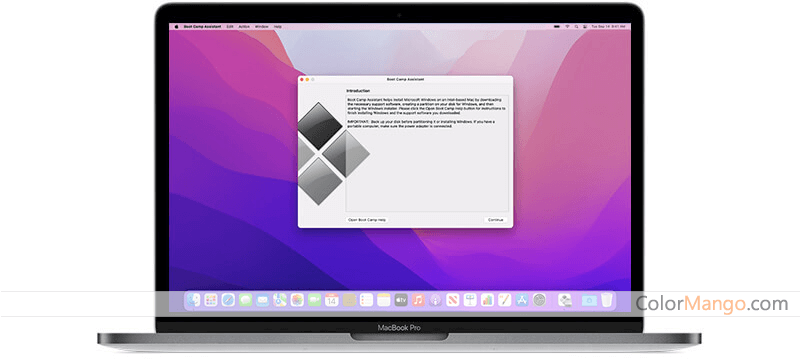
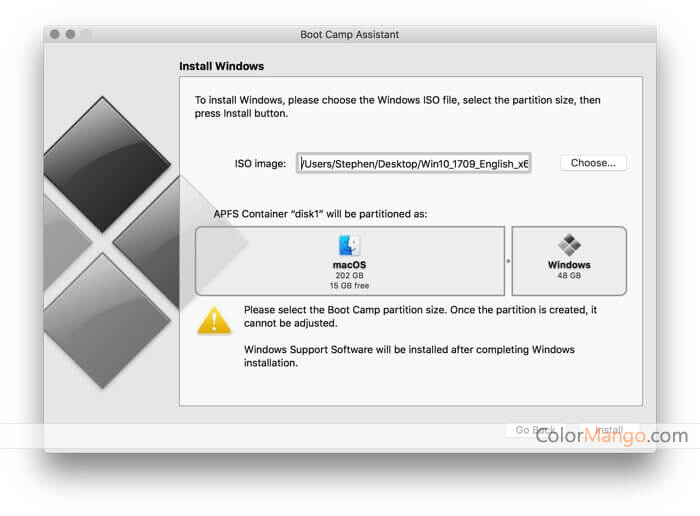
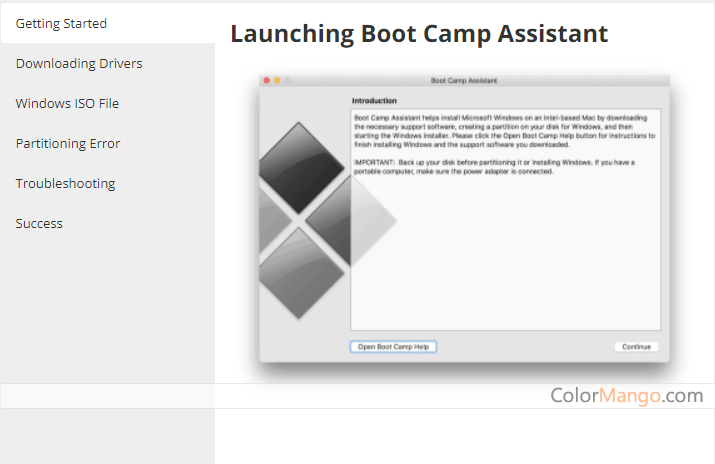
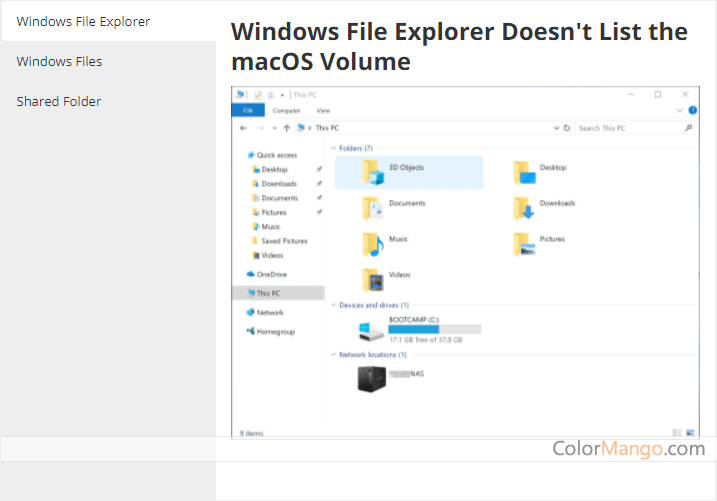
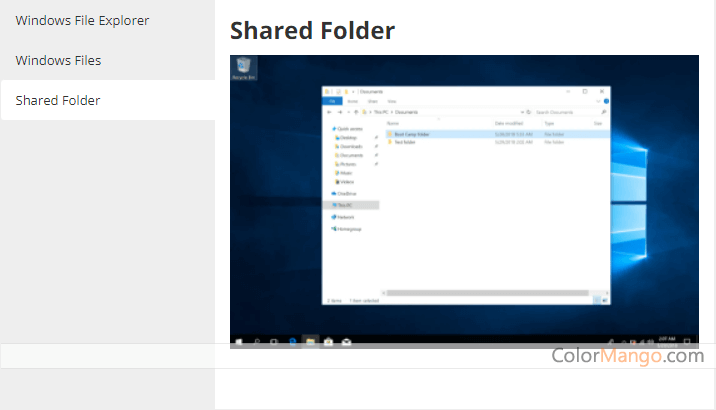
Install Windows on Mac. An in-built part of macOS.
Pros Reviews by Most Users
- "Boot Camp is an in-built part of macOS, install Windows via Boot Camp is straightforward, Boot Camp Assistant will walk you through, full retina display support"
- "Great performance, run Windows-only software on Mac nicely"
- "A great option to run Windows on your Mac for gaming or heavy rendering"
Cons Reviews by Most Users
- "Boot Camp is no longer an option for ARM-powered Macs"
- "The major inconvenience is that it won’t let you run a Mac app and a Windows app at the same time, or transfer files between systems quickly, you have to shut down your macOS system and restart it every time when you want to run Windows"
- "Could shorten battery life"
Free
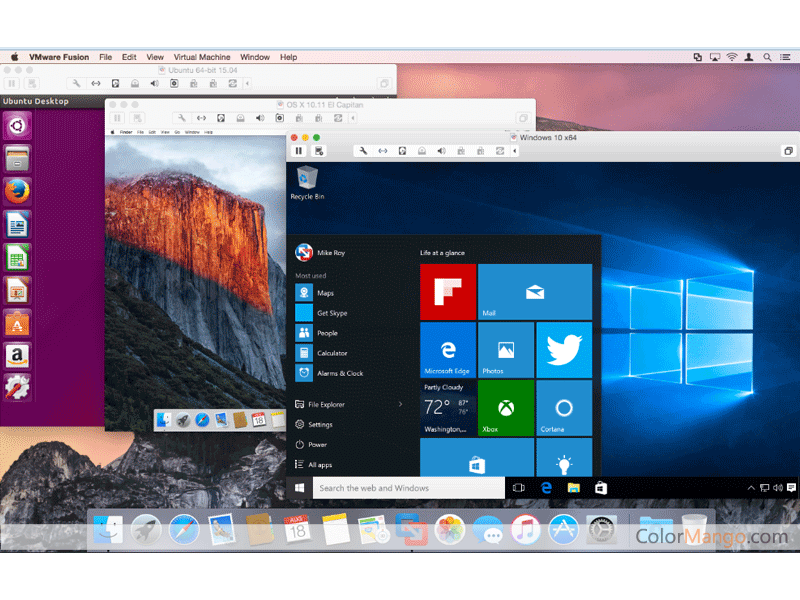
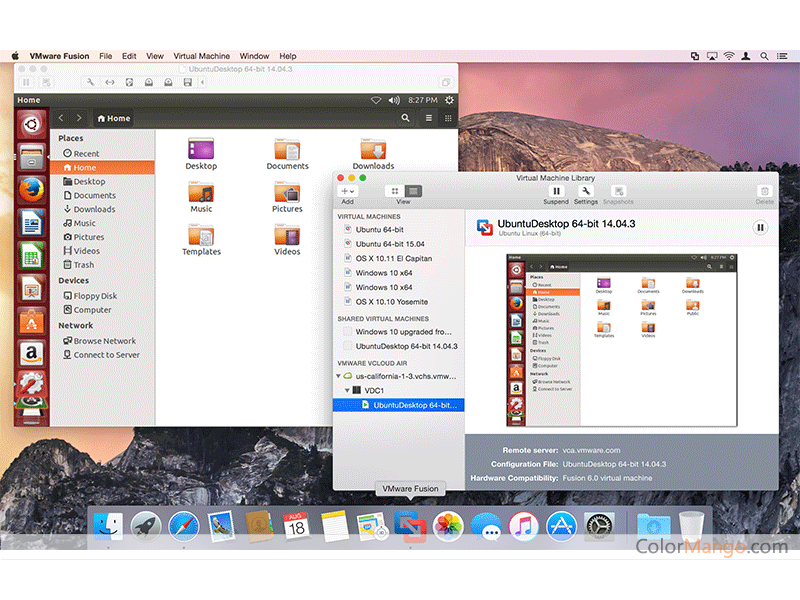
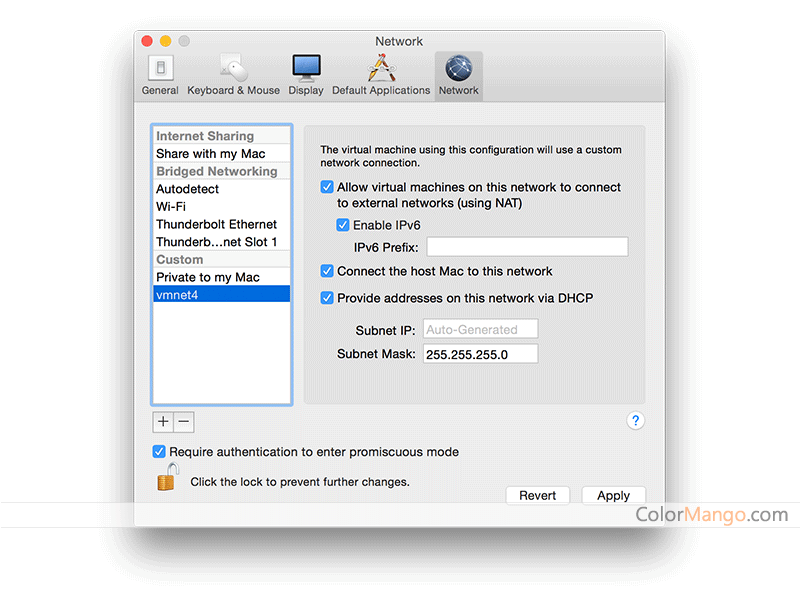
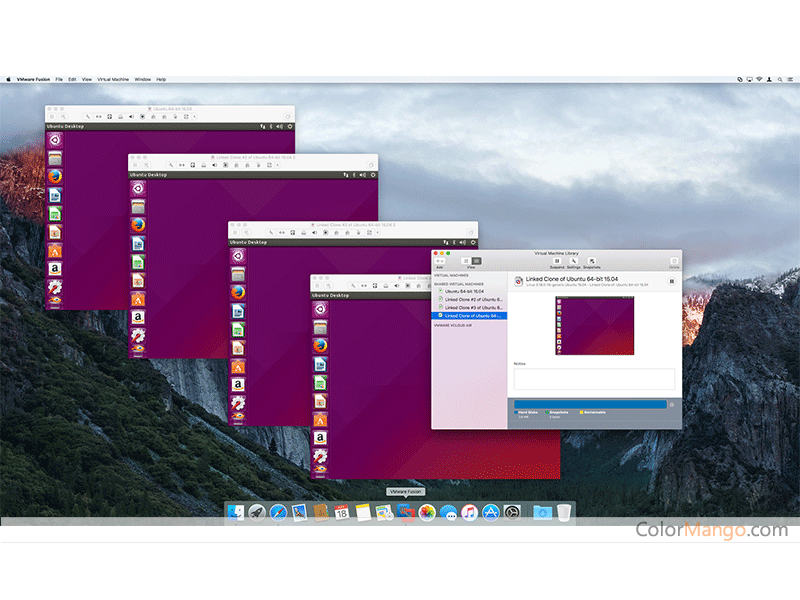

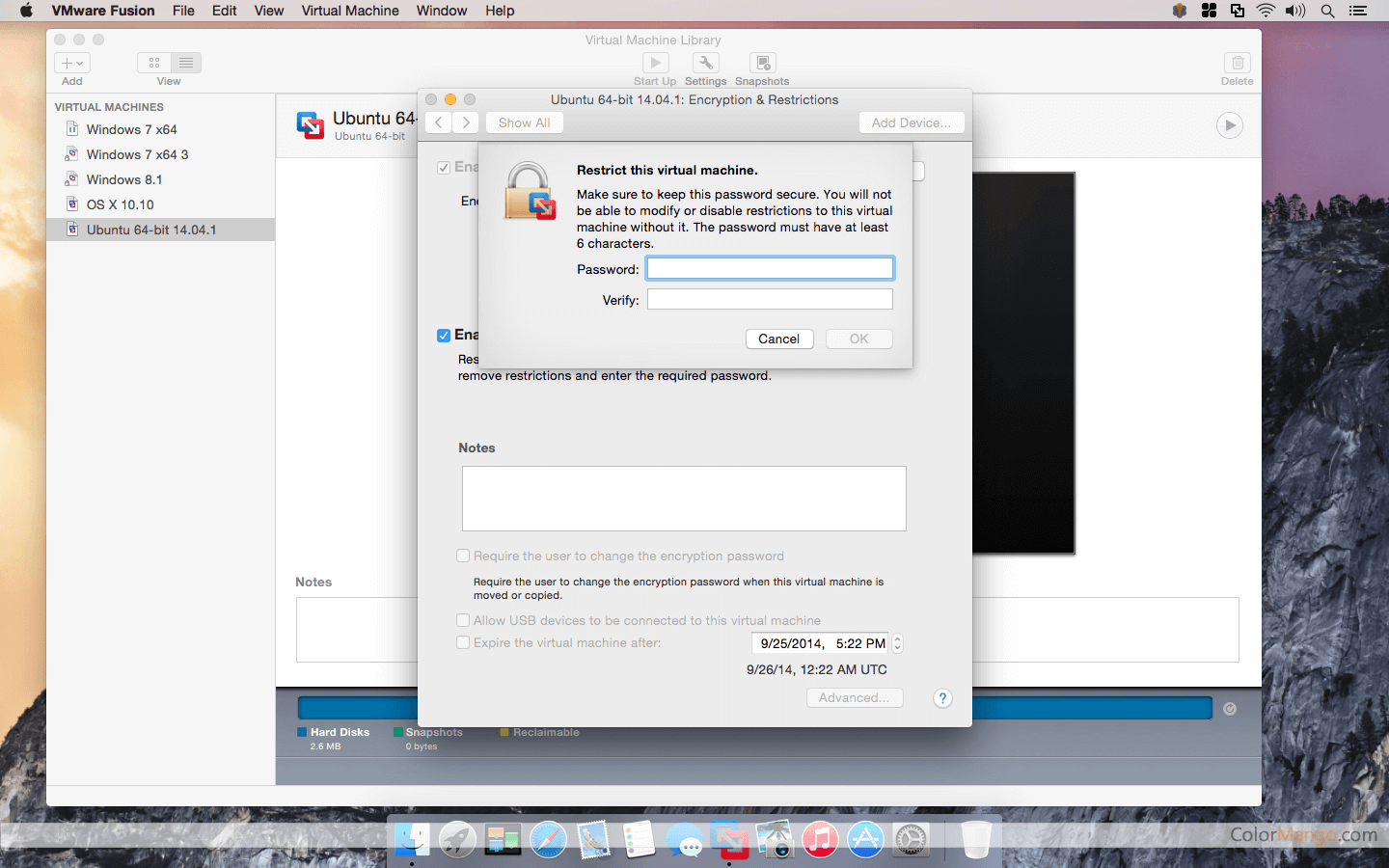
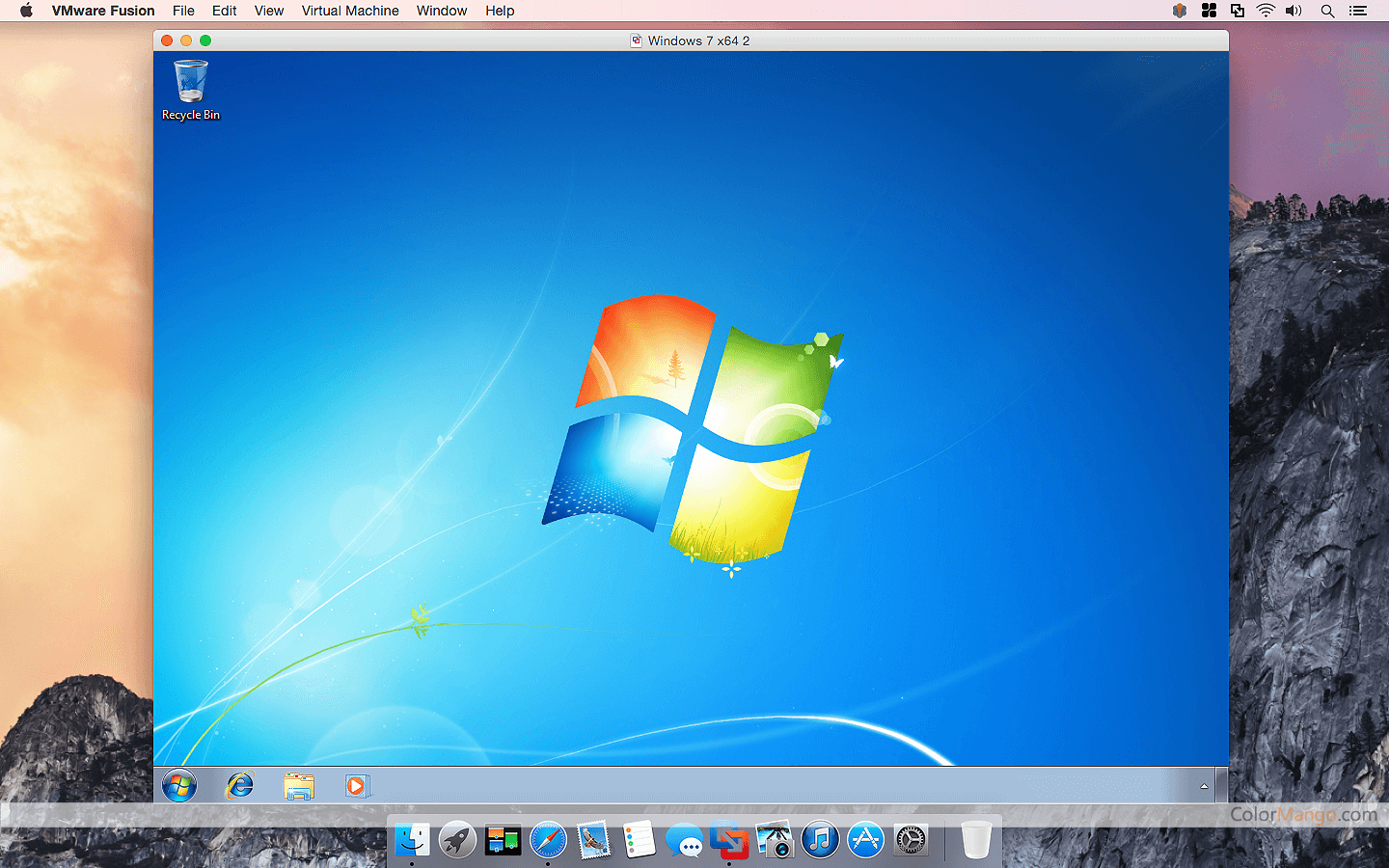
Excellent high-performance virtual machine software on macOS, perfectly compatible with macOS Mojave, allows you to run multiple operating systems such as Windows 10, Linux directly on Mac.
Pros Reviews by Most Users
- "Provide different versions, can use for free with a personal use license for non-commercial activity"
- "Comes with a feature Unity, similar to Parallel’s coherence mode, hide Windows and only interact with Windows app in the macOS interface"
- "Support multiple operating systems, have lots of developer and enterprise-friendly tools, allow to copy and paste from one environment to another"
- "Have a free trial for its commercial version, and offers a 40% discount when upgrading from Parallel Desktop"
Cons Reviews by Most Users
- "The system feels slower than Parallels, particularly when it comes to mixing Mac and Windows programs"
- "Not support running Windows on M1 Macs"
- "Does not always recognize printers that are set up through Mac, especially when you connected via WiFi rather than hardwired"
$149
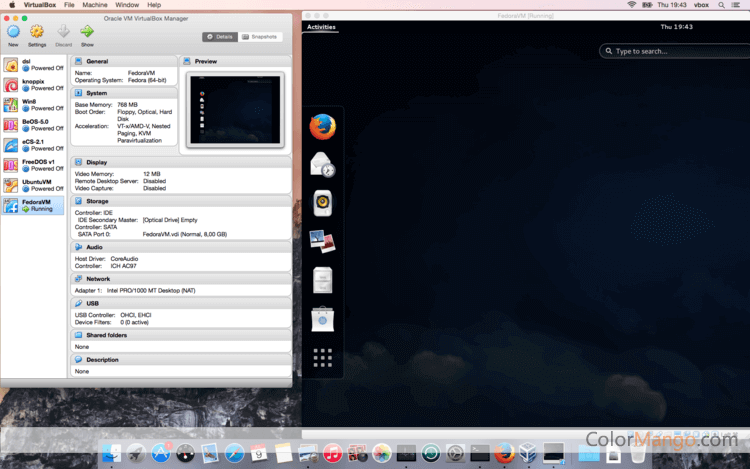
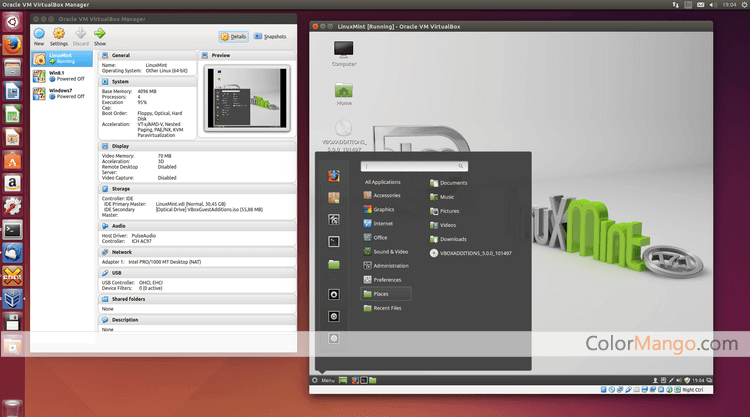
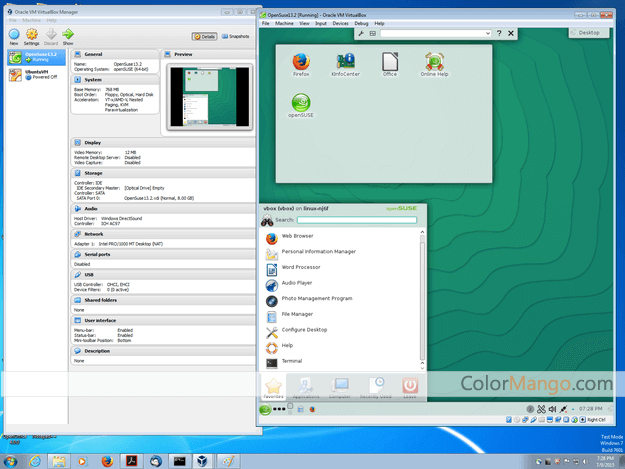
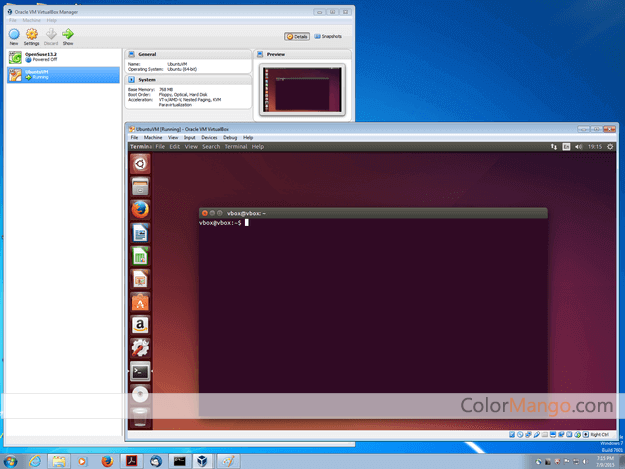

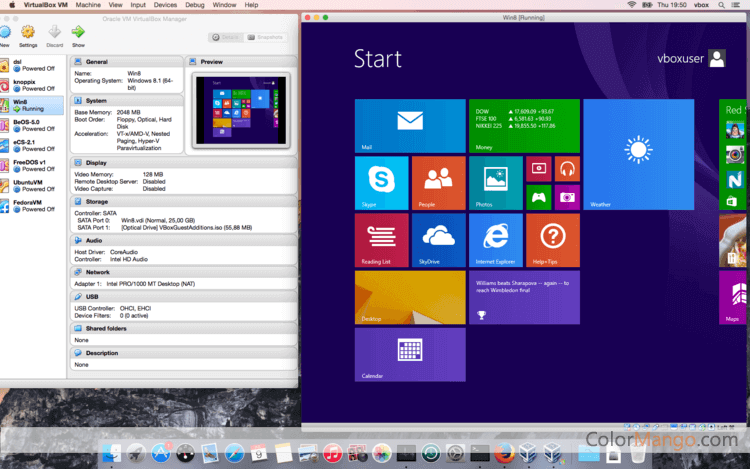
Free and open source. Supports a large number of guest operating systems.
Pros Reviews by Most Users
- "Free and open-source, broad cross-compatibility, available for Windows, macOS, Linux, and even Solaris for almost any Intel-based system"
- "Can run multiple VMs on a desktop, and also can keep the system isolated from the host macOS system"
- "Allow to quickly create, pause, or remove a virtual machine within minutes"
Cons Reviews by Most Users
- "Doesn’t support M1-based Mac"
- "Lack of built-in printer support"
- "Performance is slow sometimes, could be unstable, graphics are less powerful than the similar programs"
Free
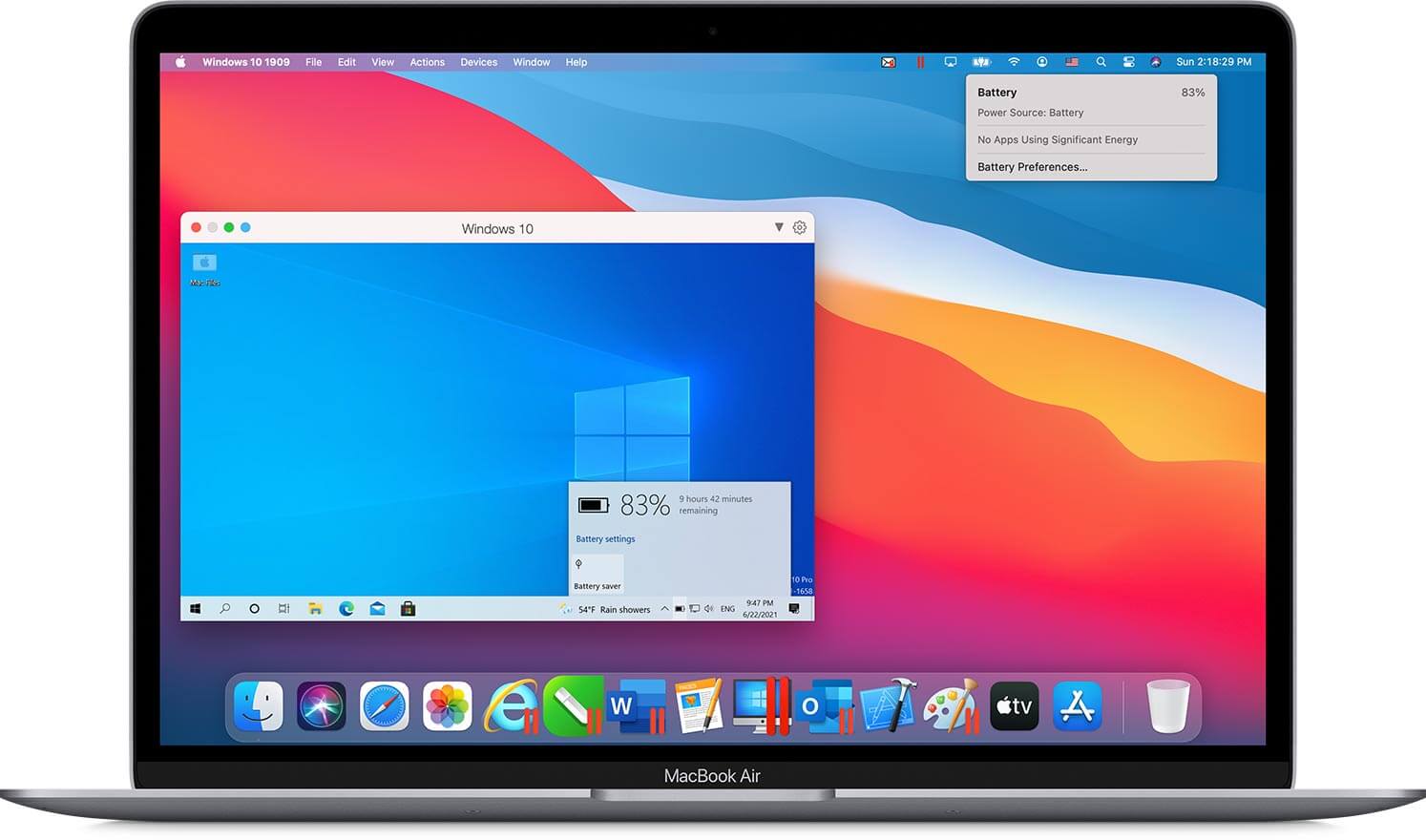
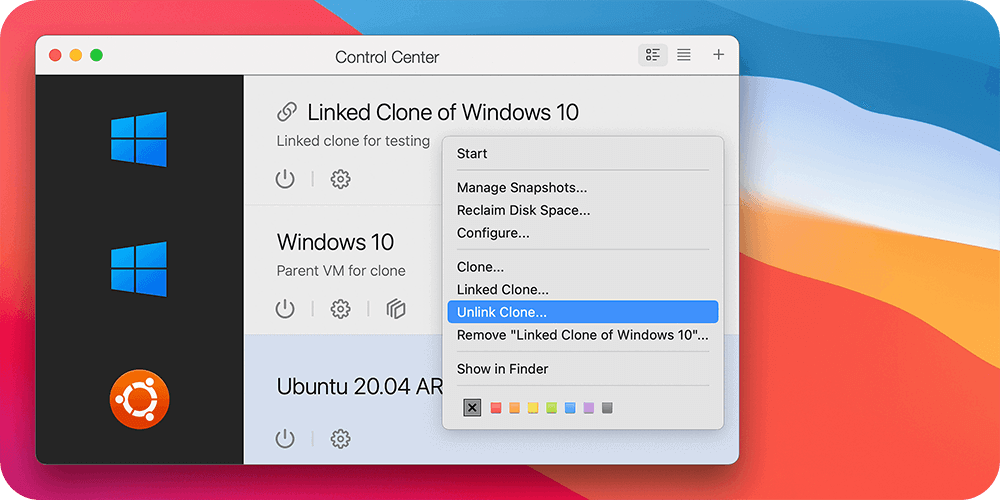
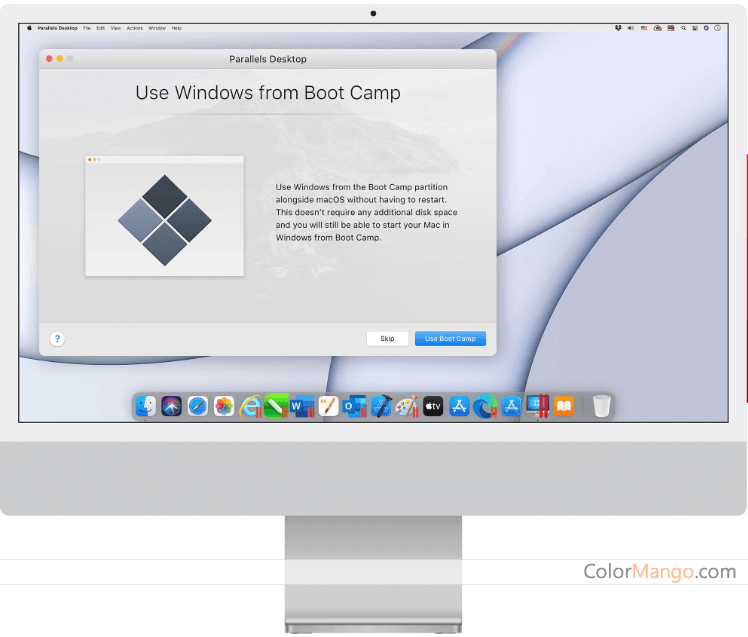
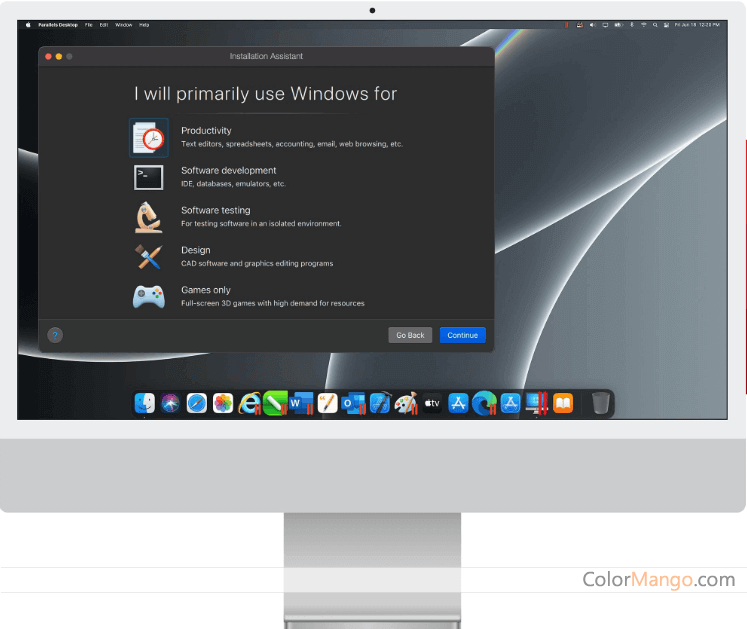
The most powerful Virtual machine program. (Supports Win11/Mac OS Mojave)
Pros Reviews by Most Users
- "An excellent option if you need Windows for work on a Mac, easy to set up, the speed and ease of use shines, can easily switch or share files and folders, sync clipboard between different operating systems, can automatically pause the VM when you aren’t using it, giving macOS more resources when possible"
- "Offers lots of flexibility, a bunch of VM management tools, allows access to shared printers, can customize to make it your own, support all sorts of operating systems not only Windows"
- "Coherence mode can hide the windows virtual machine and only access Windows apps "
- "Much faster than previous versions and also faster than rivals "
- "Full support for the latest Mac, run ARM-based Windows on an M1 Mac"
- "Many games are playable when your mac has more than 8GB, can run graphic-intensive games such as fallout4, age of empires, fifa19, etc."
- "Compatible with Boot Camp"
Cons Reviews by Most Users
- "Macbook get hot sometimes when running Parallels"
- "Battery last shorter than normal but comes with energy saver tools, use a lot of RAM (that's common to VM though)"
$54.99
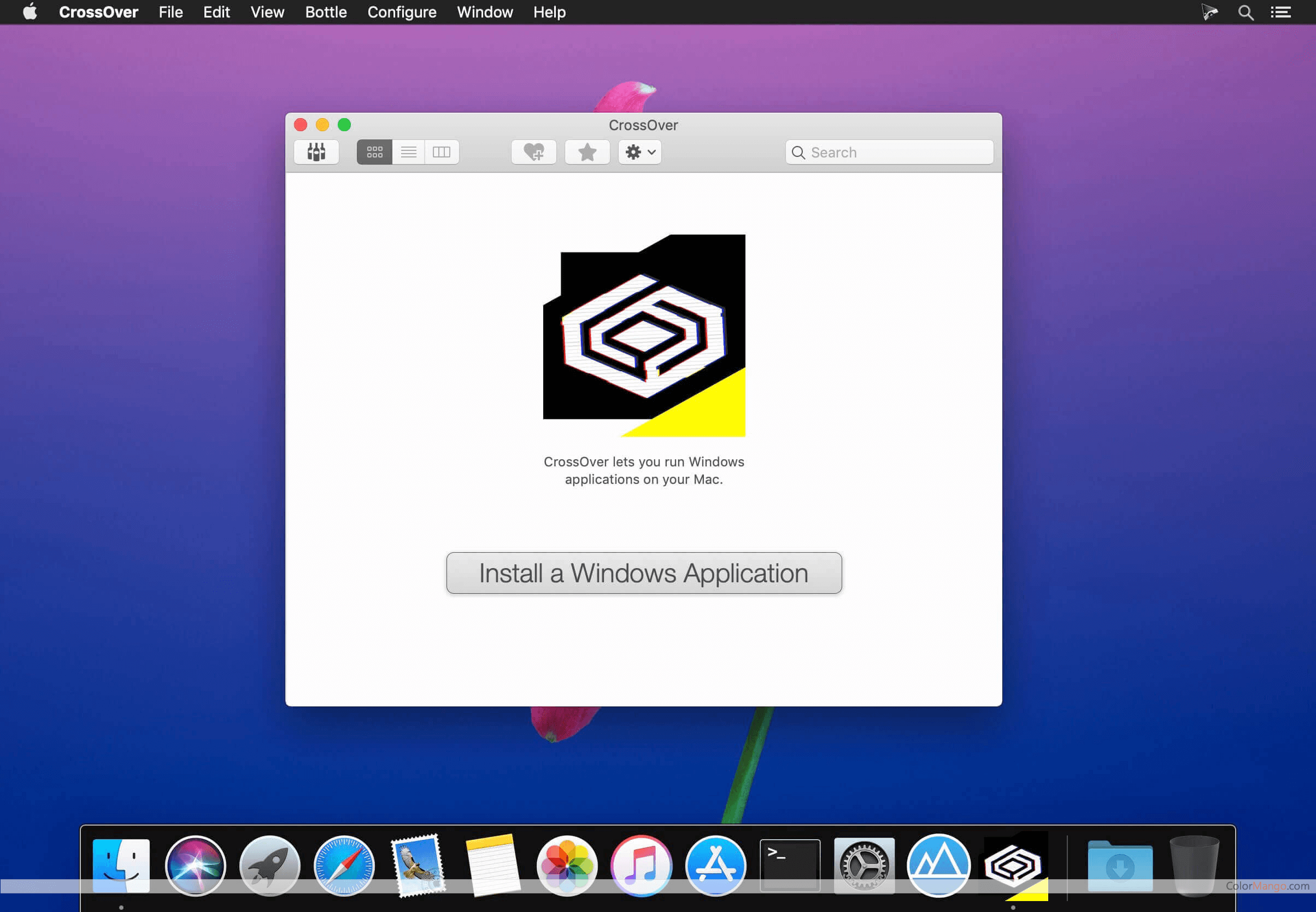
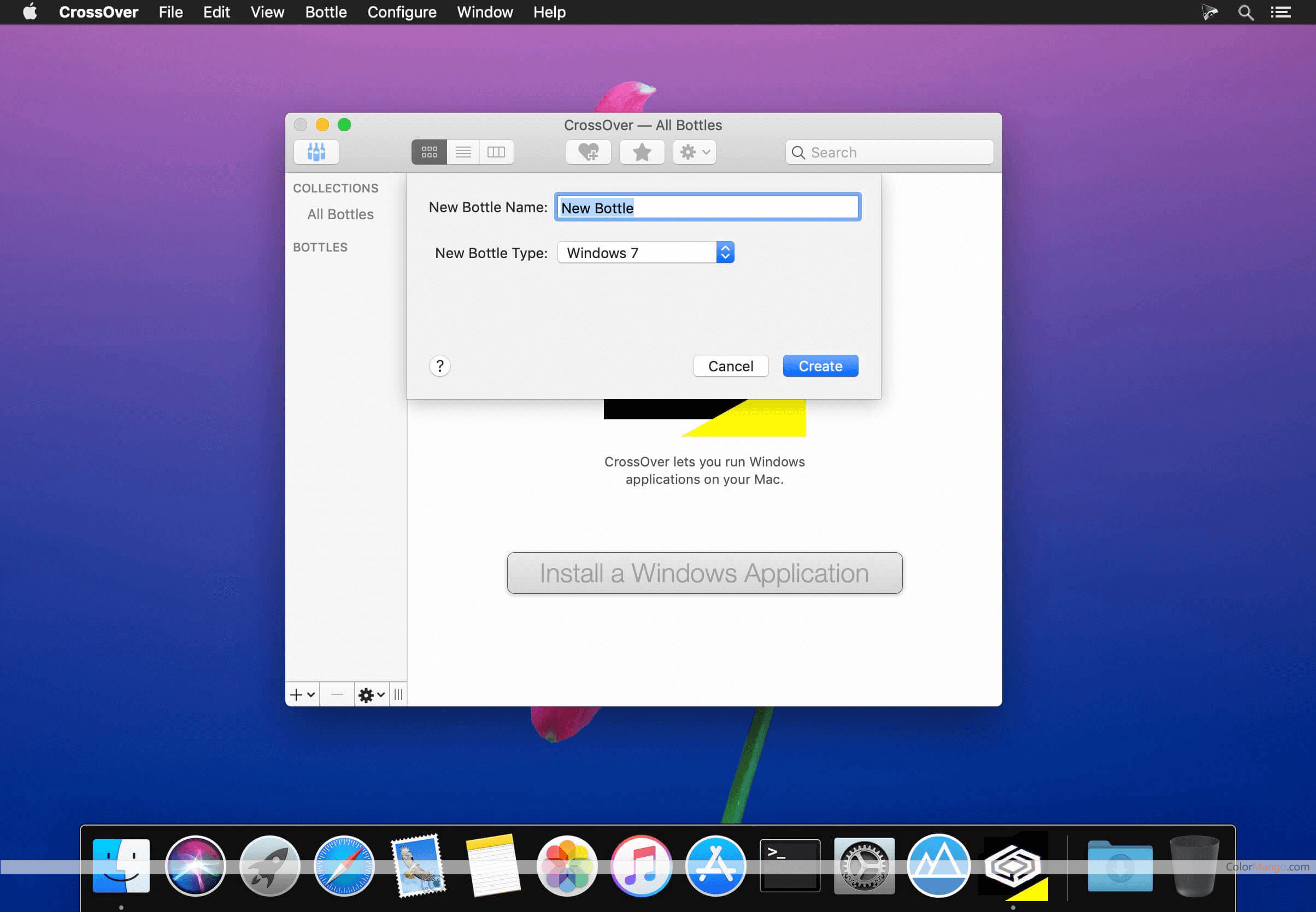
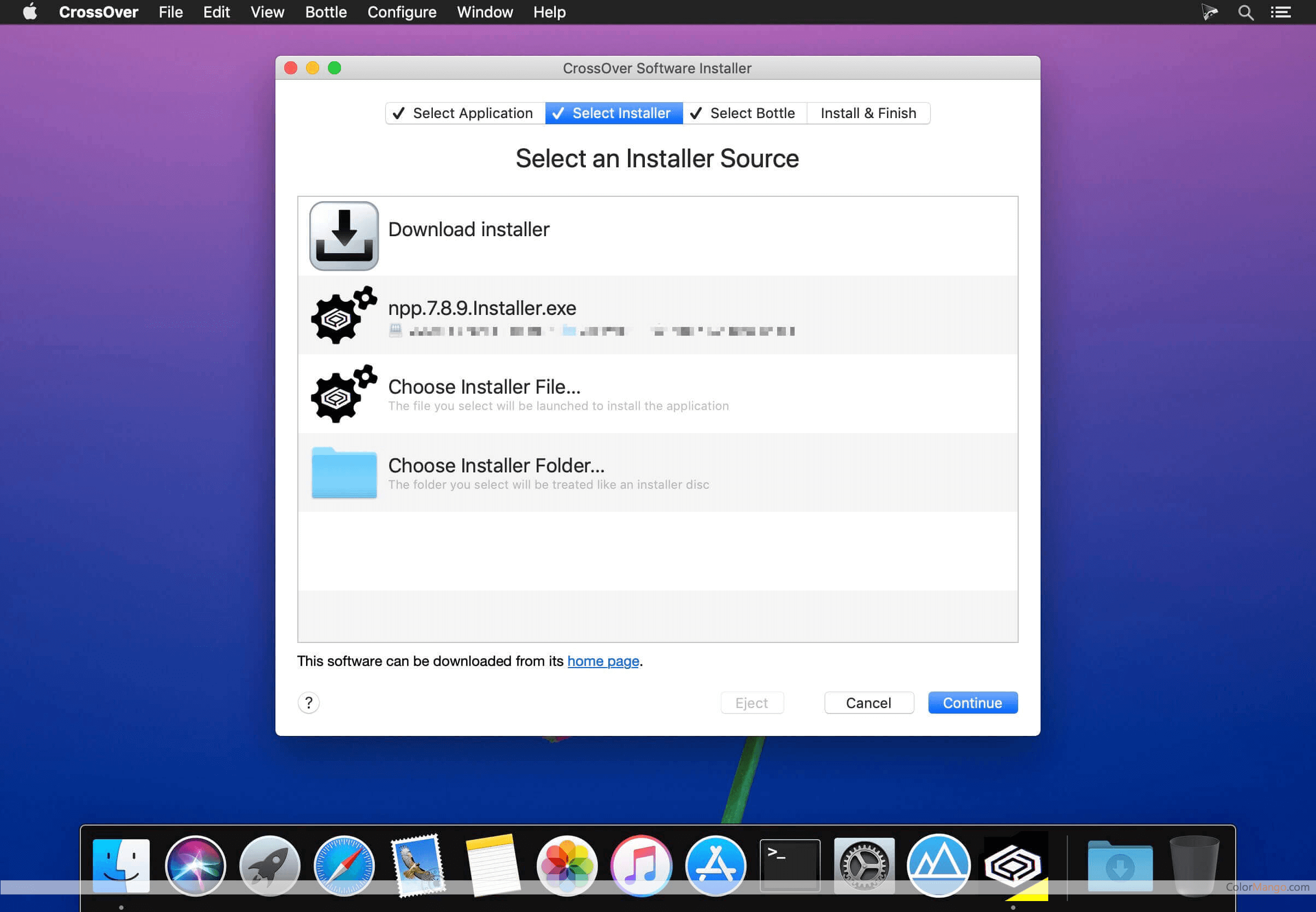
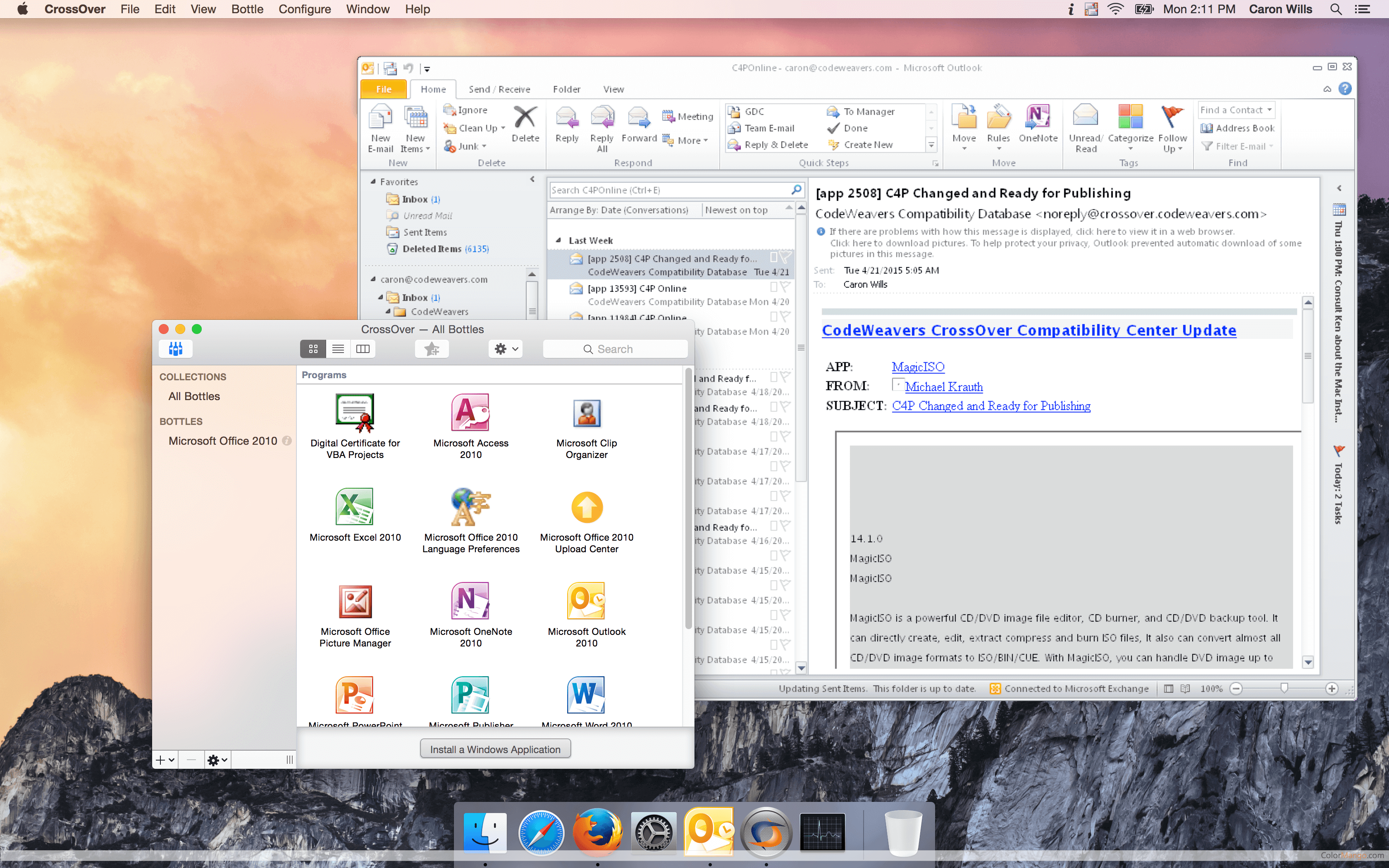
Crossover allows you to run Windows programs on Mac, Linux, ChromeOS, Android tablets.
Pros Reviews by Most Users
- "Switch between Mac and Windows programs without rebooting Mac"
- "Can install Windows apps with a single click"
- "Support most applications from Microsoft"
- "Can run God of War on an M1 MacBook Air"
Cons Reviews by Most Users
- "Some apps from CrossOver’s menu are not able to get installed"
- "Does not support all games like Call of Duty 4, etc."
- "Performance can be poor sometimes"
$59.20
Monthly Visits: The Monthly Visits are referred from their official websites
Lowest Price - The one with the lowest total cost of listed products
BestSeller - ColorMango top-selling of listed products
Top Brand - The one has lowest alexa rank of listed products' brand websites. (The rule is the lower the number, the better)
Google Search Rank #1 - Ranked #1 in Google Search results of listed products (Searched by incognito mode on 4 computers)